


The Papaki Website Builder helps you create your website easily, regardless of technical skill level.
Website Builder Plans
Basic
Your first website
from
€5.99 /month
1GB disk space
1 website
5 pages included
1 email account
200MB mailbox / email account
1 stock image
Hosting is included
SUGGESTED
Professional
For business websites
from €8.39/month
€6.29 /month
5GB disk space
1 website
10 pages included
20 email accounts
200MB mailbox / email account
10 stock images
Hosting is included
Embed Code Supported
Free SSL
Free domain name
eShop
Ideal for online stores
from €19.19/month
€14.39 /month
Unlimited disk pace
1 Website
Unlimited pages included
100 email accounts
200MB mailbox / email account
PayPal Payments
20 stock images
Hosting is included
Embed code supported
Free SSL
Free domain name
The above prices do not include VAT 24%.

Try out the features of the Professional
Website Builder plan
Create your business website today, You don’t need web design tech skills, with Papaki's Professional Website Builder plan! Get even more customers with a user friendly website and your conversions will only increase!
Easy and powerful website building
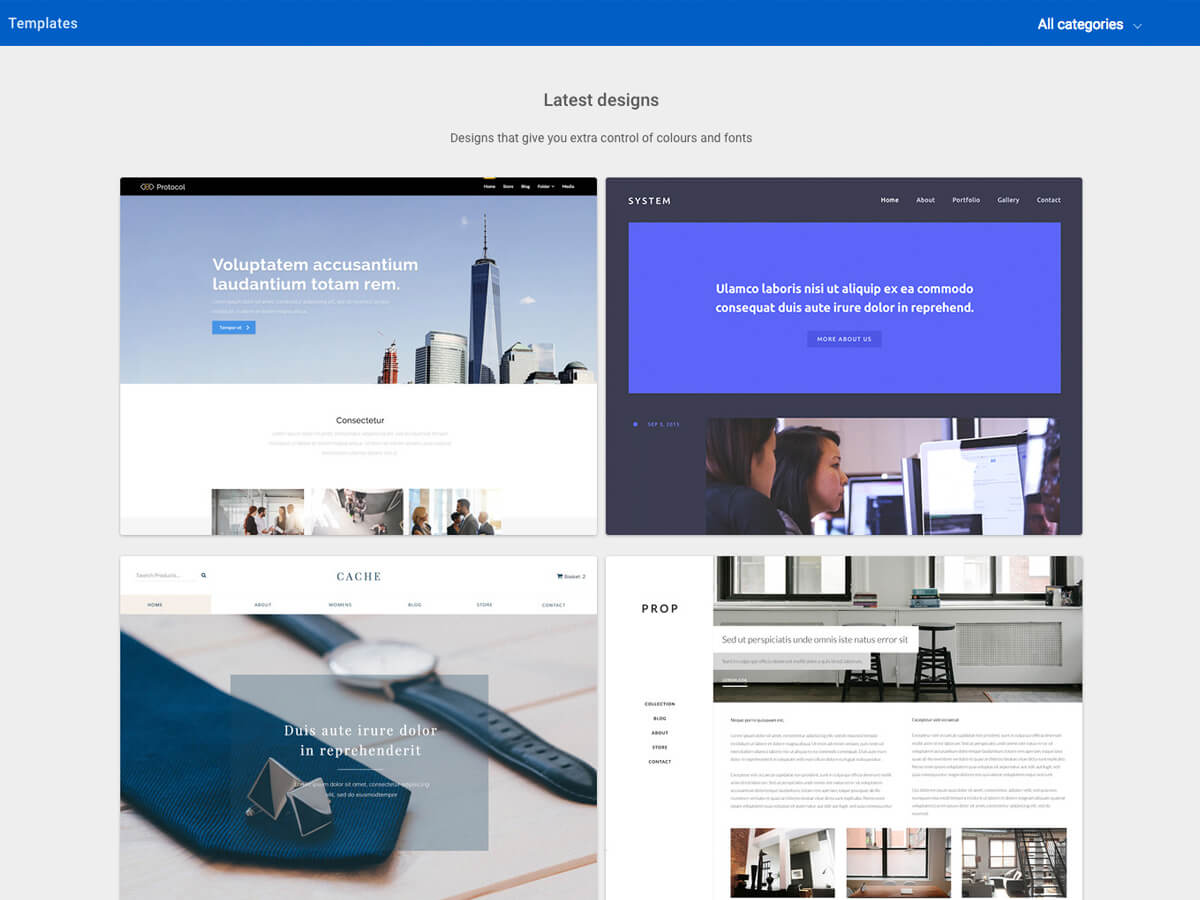
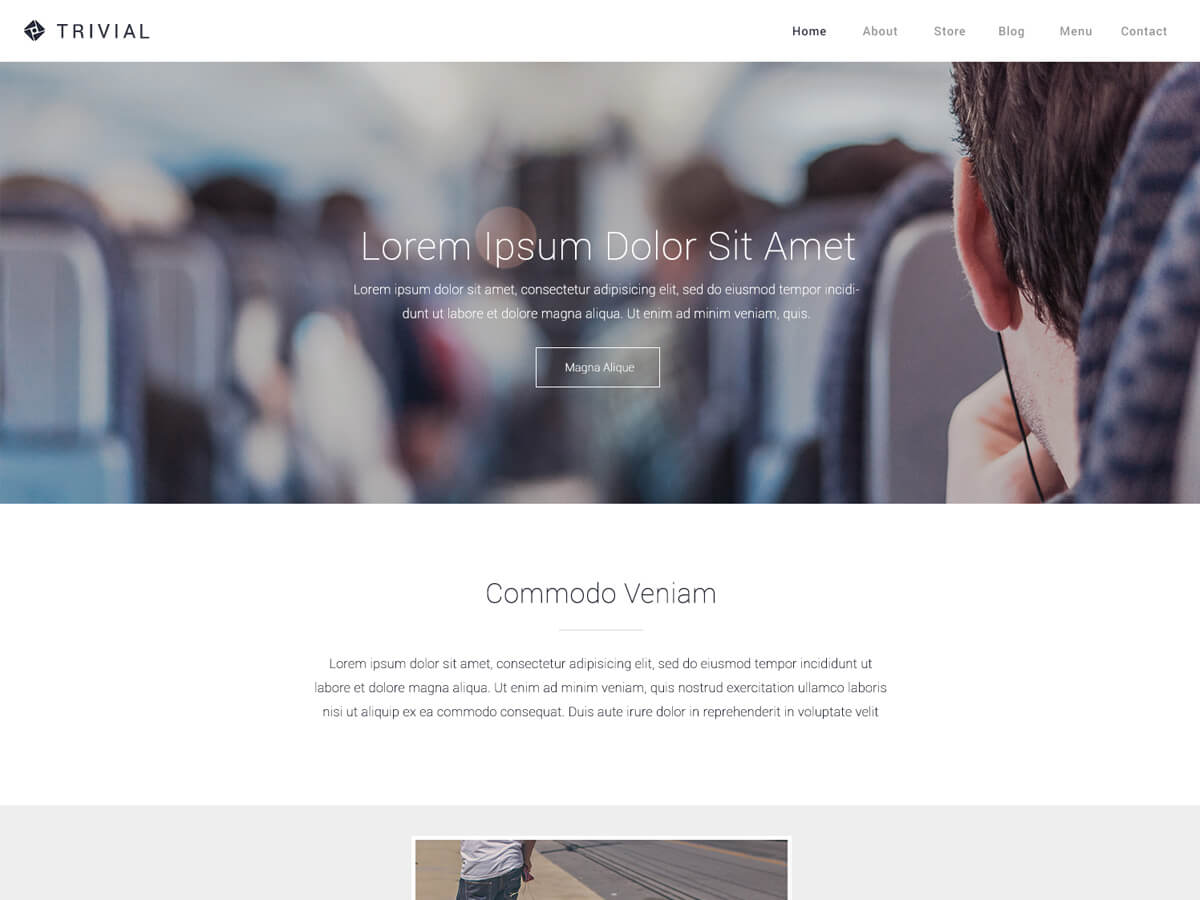
Professional Layouts

In your Website Builder plan you will find dozens of perfectly-designed layouts that will make your website stand out! Do you have an idea or you want to create a website for your business? You will definitely find a layout which perfectly meets your needs.






















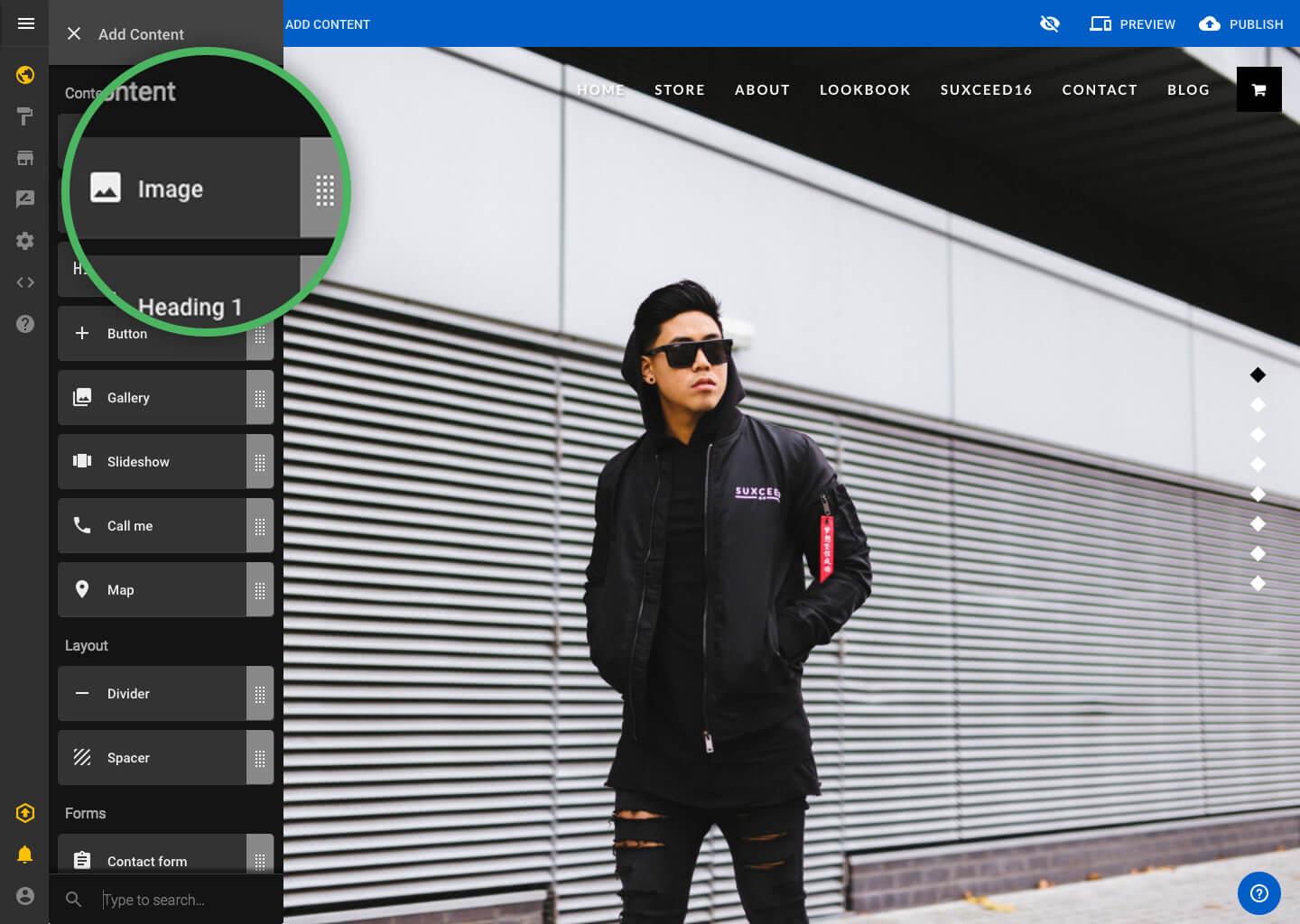
Changes Made Easy with Drag & Drop

It's not about how hard you try, it's about how you do it! With drag & drop functionality there is no need to use code and no technical knowledge is required. Now you can easily add or remove texts, images, social media links, videos, etc.
Responsive Design

Your website should be compatible with all mobile devices so you can get as many visitors and customers as possible! All layouts are responsive and you can instantly check how your mobile website looks.

Combine your Website Builder with the Pixida SEO


Frequently Asked Questions
You can easily connect your Website Builder plan to a domain name you have registered with Papaki or another registrar, by following the steps below.
Step 1: Log into your Control Panel at Papaki and go to your Website Builder plan. Then, click Edit under the Domain.
Step 2: Insert the domain you want to connect to your Website Builder plan and click Save.
Step 3: Create a CNAME record for your domain name, through the free DNS service of Papaki.
Through the editor of your website, click on the Publish button. By publishing your site, you make it visible to other users. All your pages will be published, unless you set the page status to inactive or draft. After publishing, your website will be available under the domain that you have added.
When your free plan expires, your website won’t be available to visitors, but you can continue editing it in the back end. Purchasing a plan will again set your website online.
 I already have an account


or